
Use the app
Locked, ephemeral and clear-on-close profiles.
On this page
Three profile modes limit what stays on your disk. All three are free.
| Mode | What stays on disk | Use it for |
|---|---|---|
| Password protected | Encrypted profile data | An account that must survive restarts, on a computer others can reach |
| Clear data on close | Extensions and bookmarks only | A clean start each time, with the same device and settings |
| Ephemeral | Nothing, where the system has a RAM disk | One session that leaves no trace |
Password-protected profiles
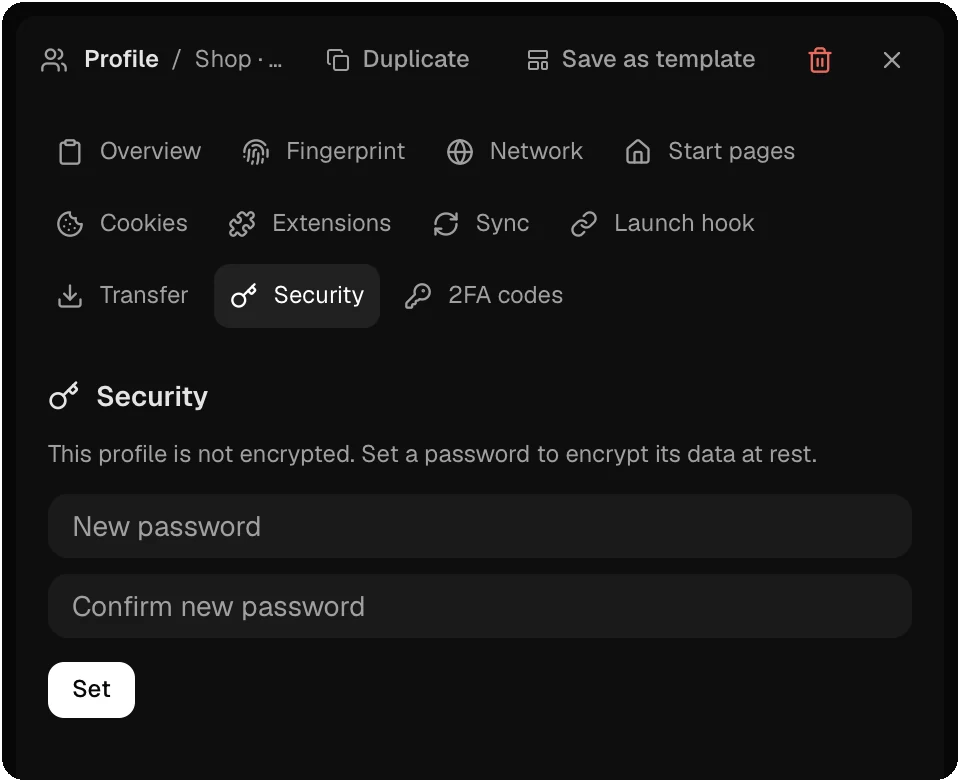
Turn on Password Protected in Create New Profile, or open the Security section of the profile panel and click Set. The password needs 8 characters or more, and the browser must be stopped. A password-protected profile cannot be ephemeral, and you can set a password only when you create one profile at a time.
- Every file of the profile is encrypted with AES-256-GCM. File names are replaced with keyed hashes, so the folder does not show which sites you use.
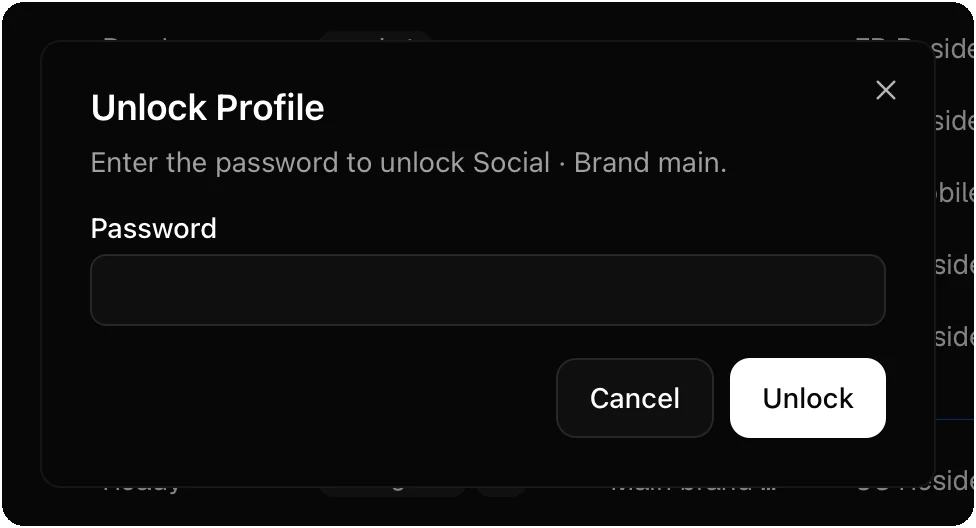
- At launch you enter the password. Donut decrypts the profile into a copy in RAM and the browser runs from that copy. The copy on disk stays encrypted.
- Settings → Keep Decrypted Profiles In RAM keeps the RAM copy between launches for a faster start. The disk copy stays encrypted either way.
- The Security section also has Change, Remove and Validate. Validate checks a password without opening the profile.
- Nobody can recover a lost password, Donut included. The profile’s data is then gone.
A locked profile records no visited sites in traffic statistics, and its export carries the configuration only.
Clear data on close
Clear data on close wipes cookies, history and cache each time the browser closes. Turn it on in the Overview section of the profile panel, or for many profiles with Edit selected. Extensions and bookmarks stay, and so do the fingerprint and the proxy. The profile always starts clean, without the last session’s tabs.
Ephemeral profiles
An ephemeral profile keeps its browser data in memory and loses it when the browser closes. Turn on Ephemeral in Create New Profile. Over the local API, "ephemeral": true does the same, and "temporary": true makes an ephemeral profile for one automation run that is deleted when its browser stops.
- Linux uses
/dev/shm, which is always in memory. macOS uses a RAM disk. Windows uses a RAM disk when one is installed. - When no RAM disk is available, Donut uses a folder on disk and overwrites it when the browser closes.
- Your operating system can swap memory to disk under load, so traces of a session can still be recoverable from swap.
- Ephemeral profiles have no cookies to manage, no extension group and no sync, and they never record visited sites.
Deleted profiles
A deleted profile waits in the trash until it expires. Delete forever and Empty trash overwrite every file of the profile before they remove it.
Checked against the app on .
