
Use the app
Cookies and storage.
On this page
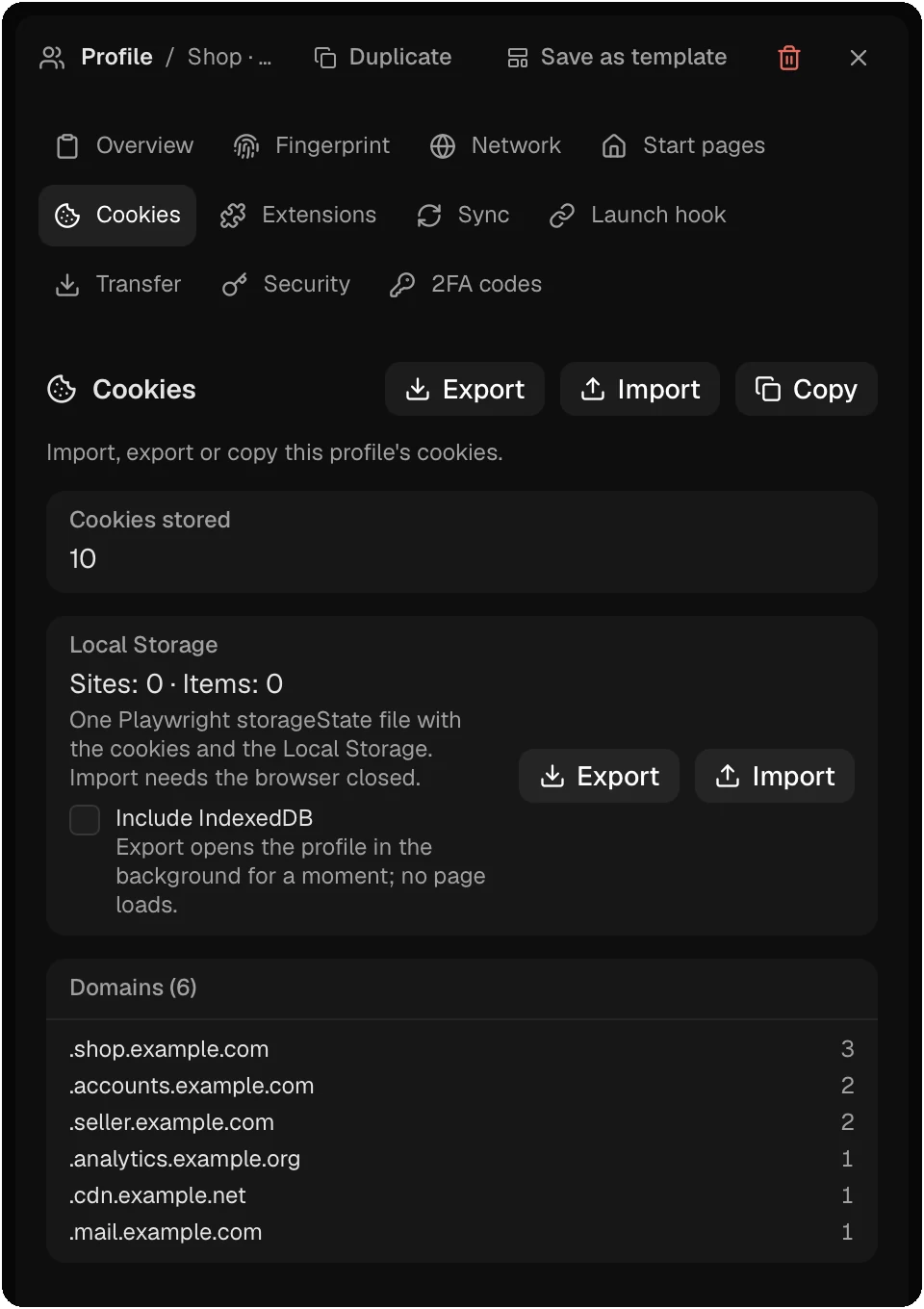
Cookies carry a signed-in session. Donut can move them into a profile, out of it, and between profiles. All cookie tools are free. Close the profile’s browser first: cookies cannot be read or written while it runs.
Import or paste cookies
In the profile panel, open Cookies and click Import. The Cookie Management dialog opens on its Import tab. Paste the cookies, or click or choose a file. Donut reads three formats:
| Format | Example |
|---|---|
| JSON | An array of cookies, or {"cookies": [...]}, as browser extensions and automation tools export them |
| Netscape | A cookies.txt file, one cookie per line |
| Name=value | name=value; name2=value2. This form has no domain, so you name the site, and choose this domain and its subdomains or this host only |
Before it writes anything, Donut shows each cookie (site, name, path, expiry, Secure, HttpOnly, SameSite) and lists the lines it could not read. Then choose a mode:
- Merge updates the cookies that match, adds the rest, and deletes nothing.
- Replace matching sites first deletes the profile’s cookies for the sites in the paste, then writes the paste. Cookies for other sites stay.
Expired cookies are skipped unless you tick Also import cookies that have already expired. If the profile clears its data on close, the cookies last until the end of the next session.
![Cookie Management dialog, Import tab. A large field takes pasted cookies as JSON (an array or a {cookies: [...]} object), a Netscape cookies.txt file, or name=value pairs, or you choose a file. Mode: Merge (update matching cookies, add the rest, delete nothing) or Replace matching sites (delete this profile's cookies for the pasted sites, then write the paste). Buttons: Cancel and Import.](/img/docs/cookie-import.webp)
Export cookies
In the Cookies section of the profile panel, Export saves all cookies as JSON or Netscape TXT. The Export tab of Cookie Management saves only the cookies you select.
Copy cookies between profiles
Copy in the Cookies section of the profile panel, or Copy Cookies in the action bar, copies cookies from one source profile to one or more target profiles. Pick domains or single cookies. A cookie with the same name and domain in the target is replaced; other cookies stay.
Storage state
The Local Storage part of the Cookies section exports one Playwright storageState file with the profile’s cookies and Local Storage. Tick Include IndexedDB to add IndexedDB records; the export then opens the profile in the background for a moment, with no page load. Import takes the same file. The local API has the same routes: see Import and export storage.
Sessions from other browsers
Profile import moves the cookies and passwords of Chrome, Edge, Brave and other Chromium browsers when the system unlocks their key. For cookies it cannot move (Chrome 127 and later on Windows, a locked keyring, or another anti-detect tool), export the cookies from the old browser and import them here.
Checked against the app on .
