
Use the app
Groups, tags and bookmarks.
On this page
Groups, tags, notes and statuses keep a large set of profiles in order. None of them changes what a site sees.
Groups
A profile belongs to one group or to none. Use groups for clients, projects or platforms.
- Create, rename and delete groups on the Groups page (Cmd/Ctrl+G).
- Put profiles in a group: select them and click Assign to Group in the action bar, or drag them onto a group tab above the table.
- Filter the profile table by group. Cmd/Ctrl+1 to 9 switches between the first nine groups.
- When you delete a group, choose to keep its profiles (they move to no group) or to delete them with it.
- With sync on, a group syncs to your other devices and to your team. On the Team plan, an owner can limit a member to some groups.
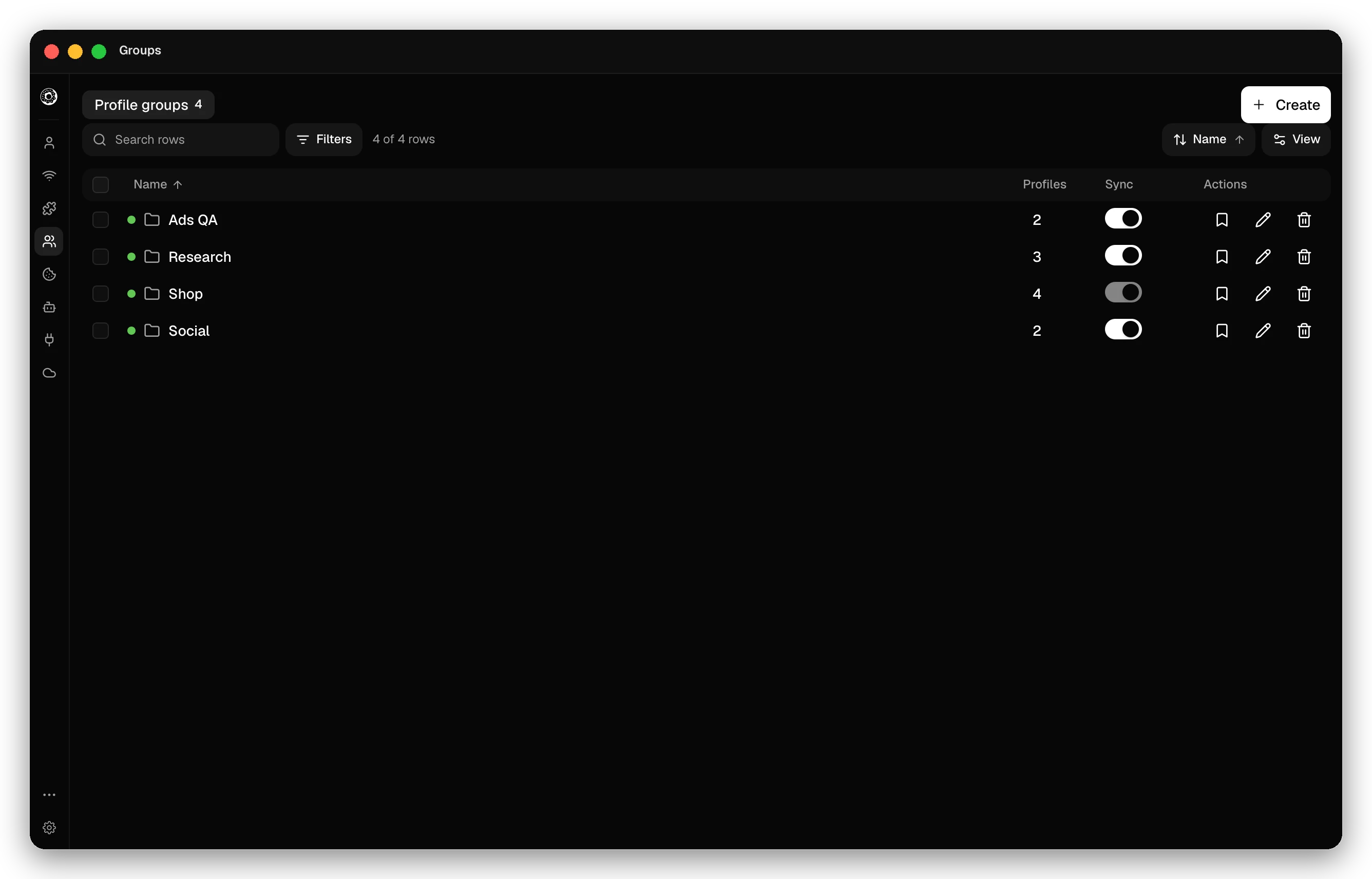
Group bookmarks
Click the bookmark button of a group to give all its profiles the same bookmarks: a title, a URL and an optional folder for each. Donut keeps them in a folder that it manages in every profile of the group. Other bookmarks in the profile are left alone.
Tags
A profile can have many tags. Click the Tags cell of a profile to edit them, or select profiles and use Edit selected → Add tags or Remove tags. Search the table with tag:name, tag:none or -tag:name. The local API lists every tag in use at GET /v1/tags.
Notes
Each profile has one note, shown in the Note column. Click it to edit. Edit selected sets the same note on many profiles; leave it empty to remove the notes.
Statuses
A status labels where an account stands, with a name and a color. Pick one in the Status column. Manage statuses… adds your own, or a starter set: Active, Warming up, Needs review and Banned. Statuses sync to your other devices and to your team.
Checked against the app on .
